How it works
Set it up once. See it before you pay.
Tell Cleanmail who and what matters, pick the senders, and watch a preview of your digest build from your own email. You see what it found before you choose a plan. Then it runs on its own.
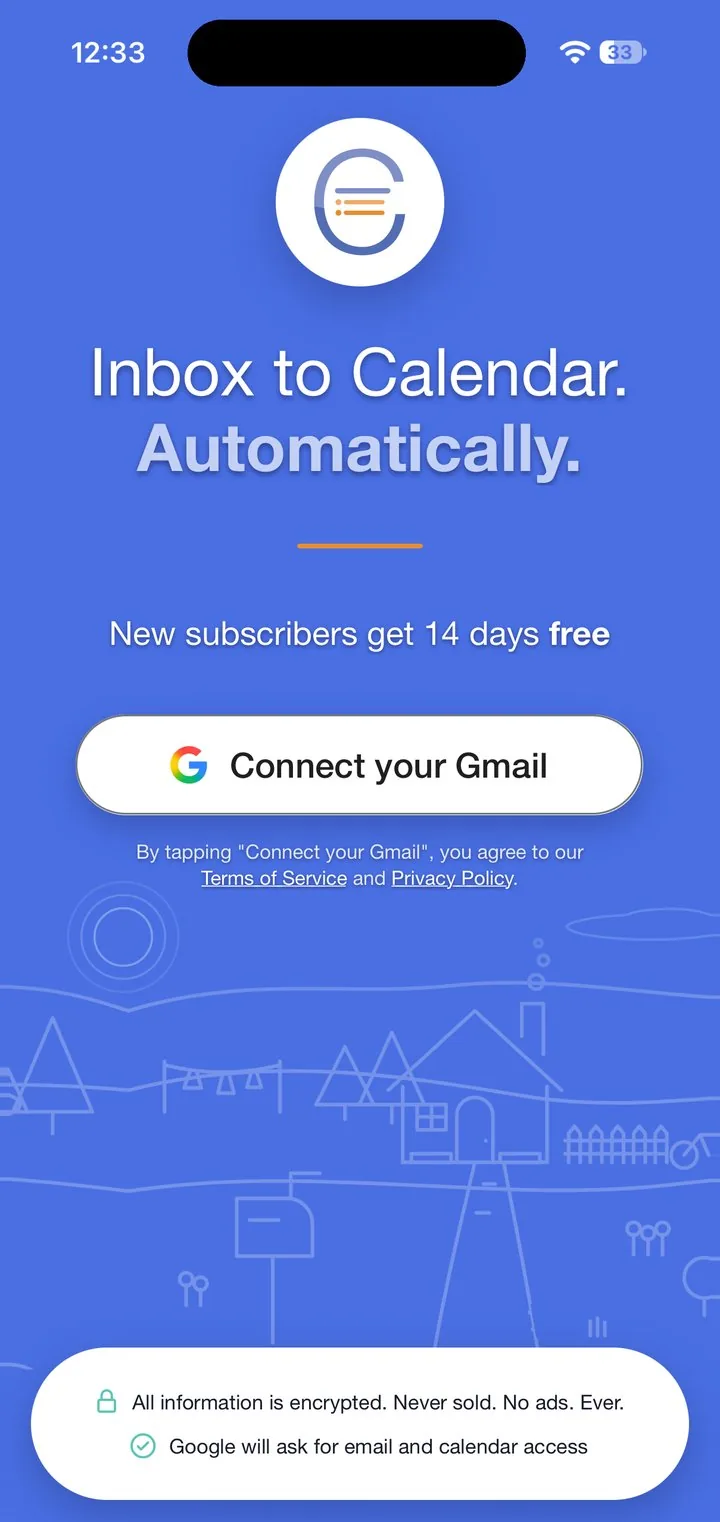
Connect your Gmail
Sign in with Google and allow email and calendar access. Your digest summarizes only the senders you choose. Cleanmail never sends or deletes anything, and never sells your information.
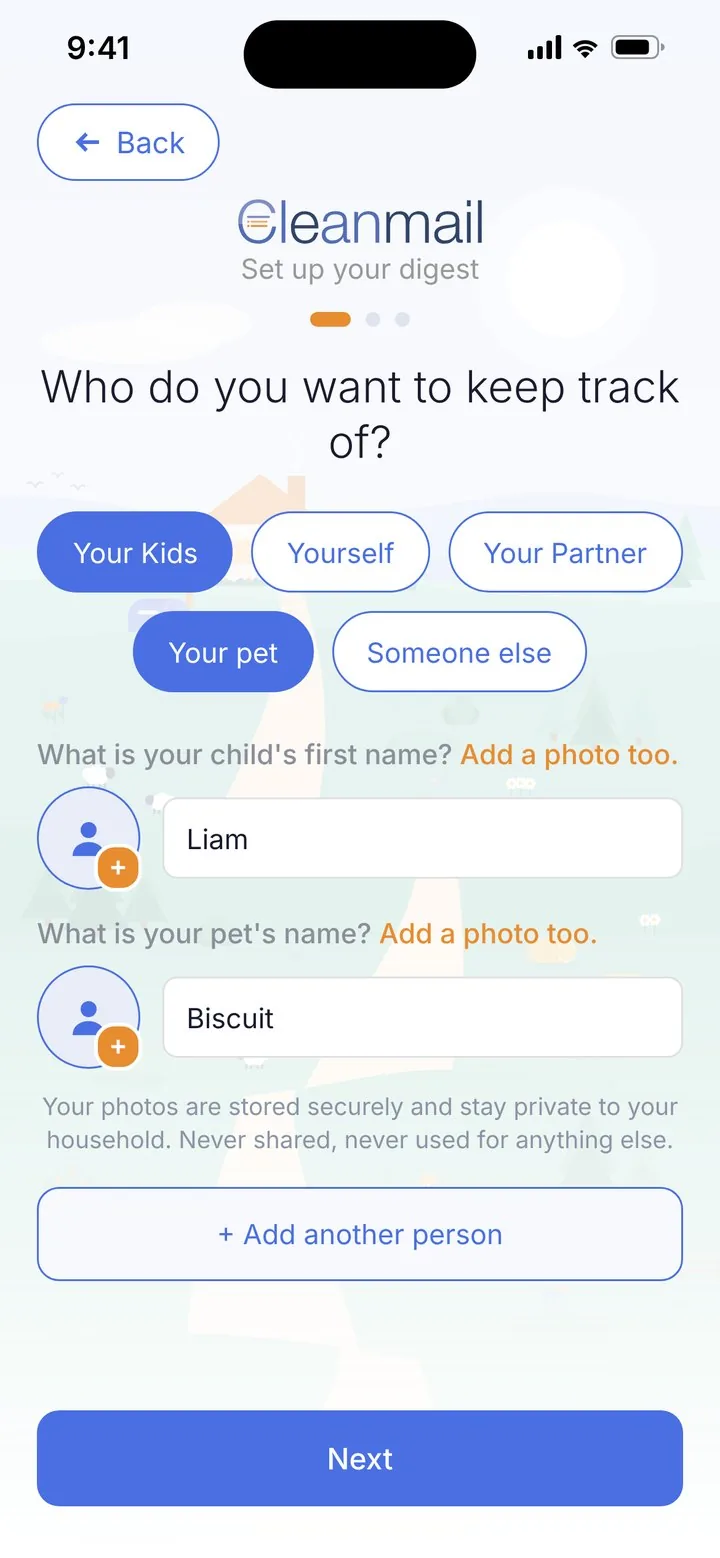
Tell it who
Your kids, yourself, even the dog. Add a name and a photo for each, so everything lands in the right place.
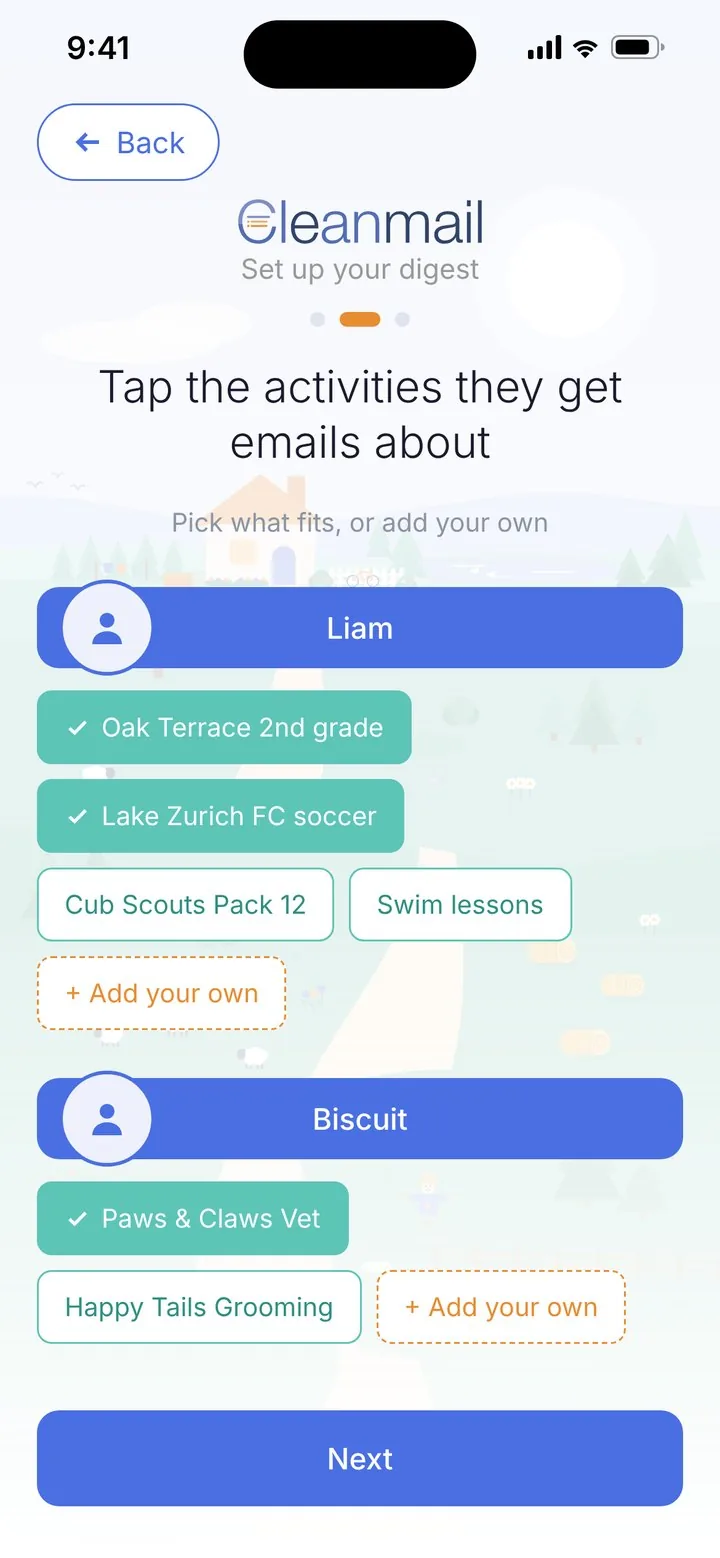
Pick their activities
Cleanmail suggests the activities each person gets email about: school, soccer, scouts, the vet. Tap the ones that fit, or add your own.
Choose the senders
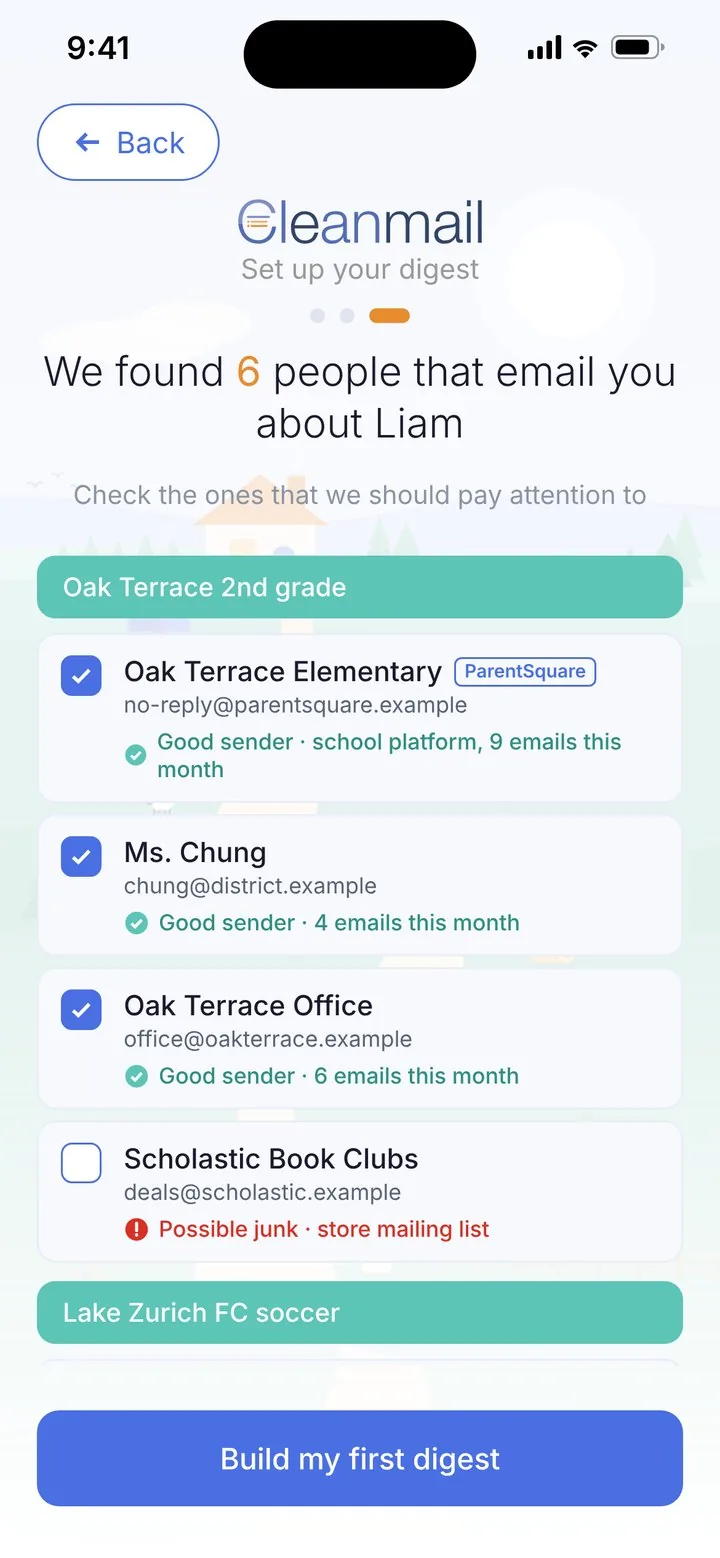
We find the people who email you about each activity and tag them: good senders first, quiet ones and likely junk marked so you can skip them. You check the ones that matter.
Watch your digest preview build
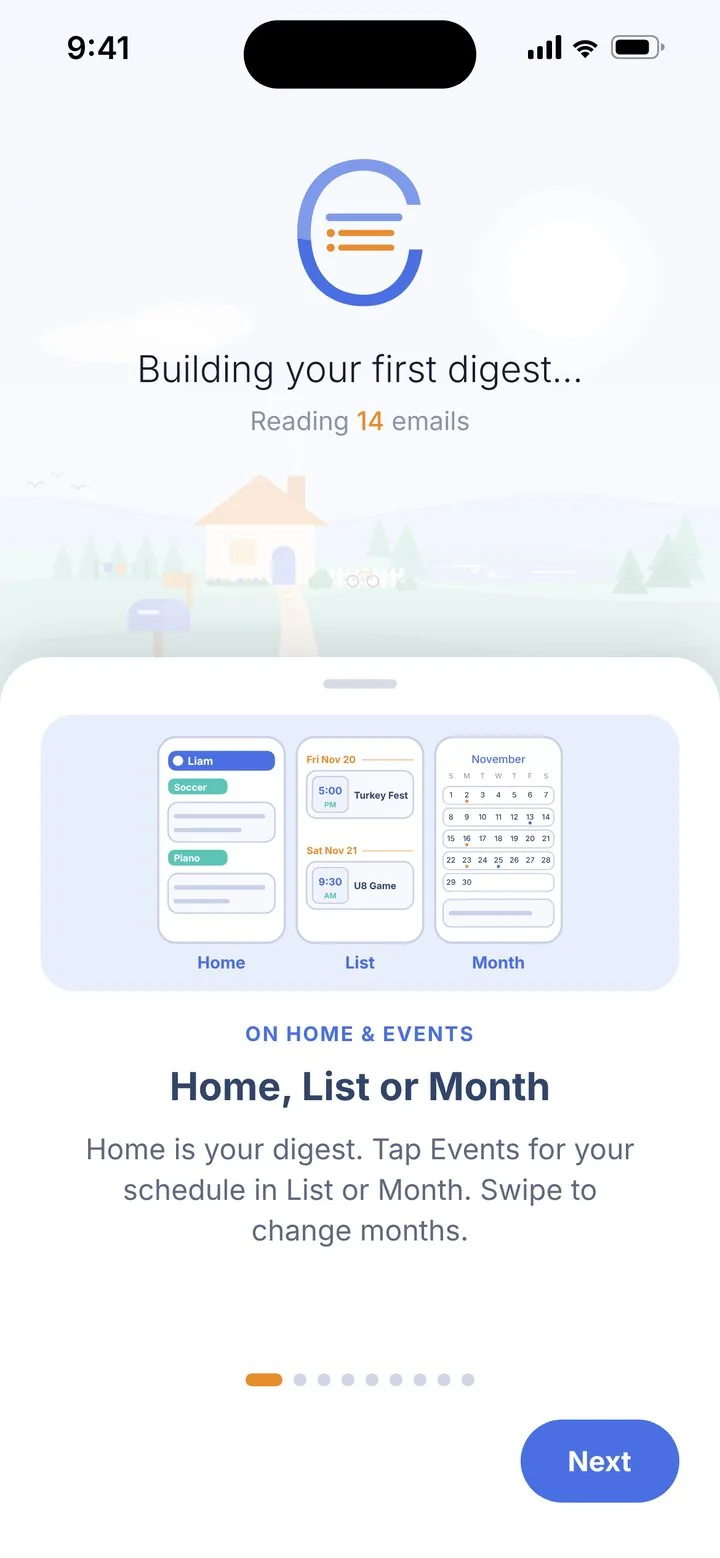
Cleanmail reads those emails, pulls out the dates, and checks them against your Google Calendar. Your digest preview appears quickly.
See it before you pay
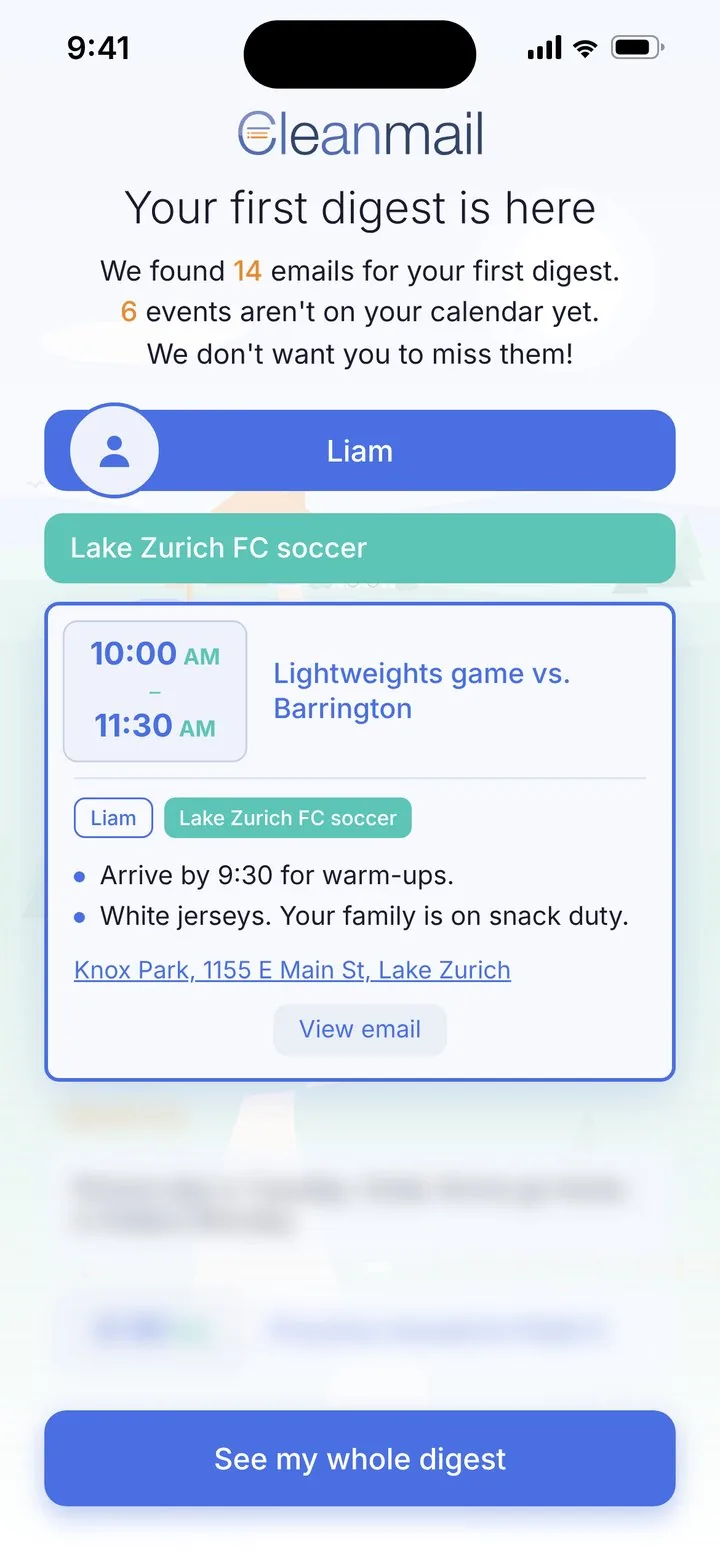
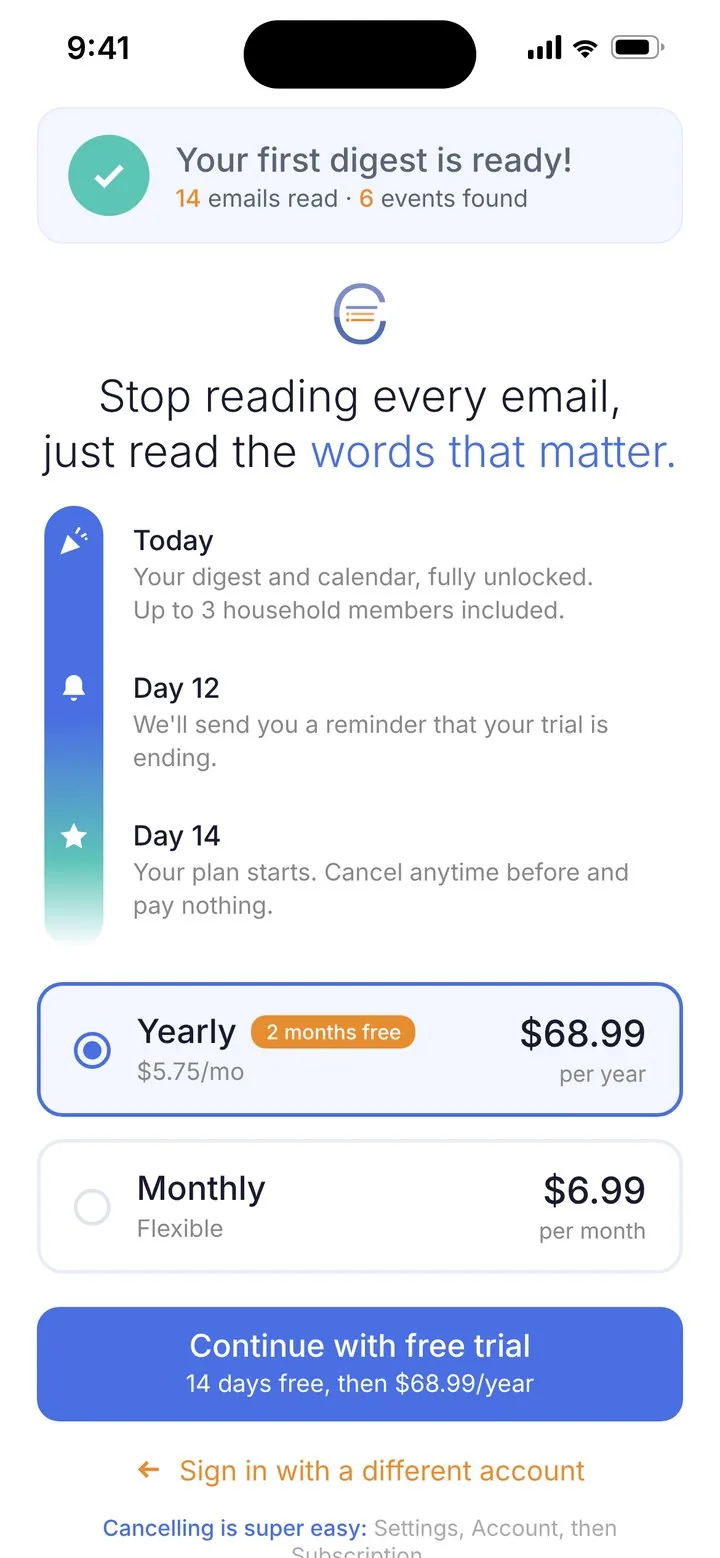
Your digest preview is on us. You see how many emails it found and which events aren't on your calendar yet, with one card shown in full.
Start your free trial
14 days free, then $6.99 a month or $68.99 a year, through the App Store or Google Play. Renews automatically until you cancel. When your trial starts, the events from your digest preview land on your Google Calendar and Cleanmail keeps running on its own.
And when it isn't in your inbox
Some things never hit your email: the flyer on the fridge, the field-trip form, the coach reading out dates. Snap it, upload it, or just say it out loud, and it lands in the same clean digest.
The old way
- Forward emails to an app, one at a time
- Type every date into a calendar yourself
- Check ParentSquare, Remind, and email separately
- Dig through the inbox for the permission slip
- Miss the one email that actually mattered
With Cleanmail
- Connect Gmail once, read-only
- Your digest only covers the senders you pick
- ParentSquare and Remind emails handled like any sender
- Sorted by kid and activity, shared with your household
- Your dates on your Google Calendar, both ways