Switching from Skylight
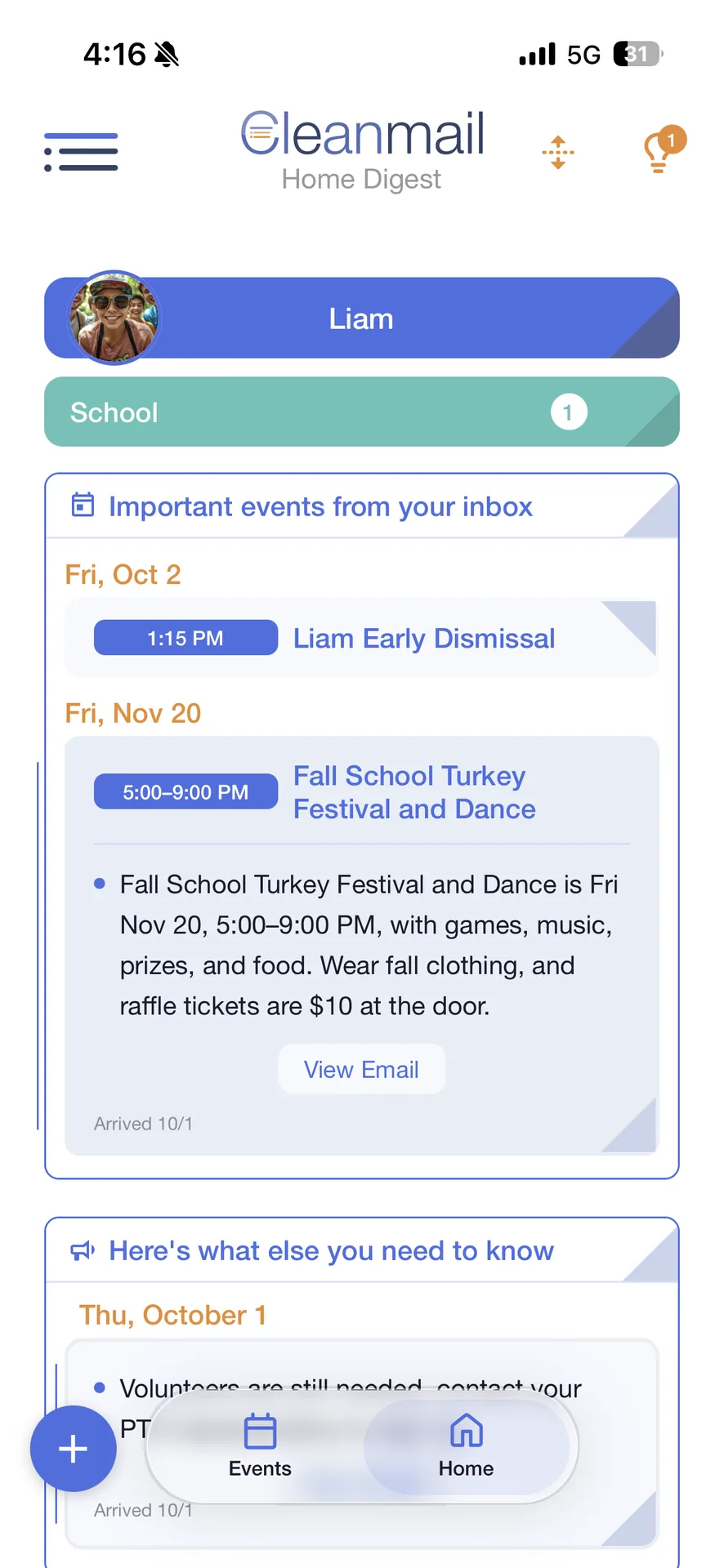
Stop forwarding school and activity emails to another app. Cleanmail finds them in your Gmail.
Skylight is great for a family calendar on the wall. Cleanmail does the school and activity emails.

Side by side
As of November 18, 2026.
Cleanmail
Skylight
School and activity email to calendar
Not needed. Cleanmail reads the senders you choose in your Gmail.
Forward each email to your @ourskylight.com address (Calendar Plus).
Google Calendar
Two-way sync of the events Cleanmail adds.
Two-way sync.
How to switch
1
Sign in with Google
Use the Gmail your school and activities email.
2
Pick your senders
School and activities, once.
3
Turn on Sync
Your Google events show next to the school and activity dates.
4
Invite your household
Up to 4 people, you included.
Events you keep only in Skylight stay in Skylight.
Try it free for 14 days
14 days free, then $6.99 a month. Renews automatically until you cancel. No pressure: cancel anytime in your phone's settings.
Sources, read November 18, 2026: Skylight Help: How To Use Skylight Magic Import · Skylight Help: What does Skylight Calendar sync with?. TimeTree, Cozi and Skylight are trademarks of their owners. Cleanmail is not affiliated with them.